
Understand your health. Manage care for you and your family.
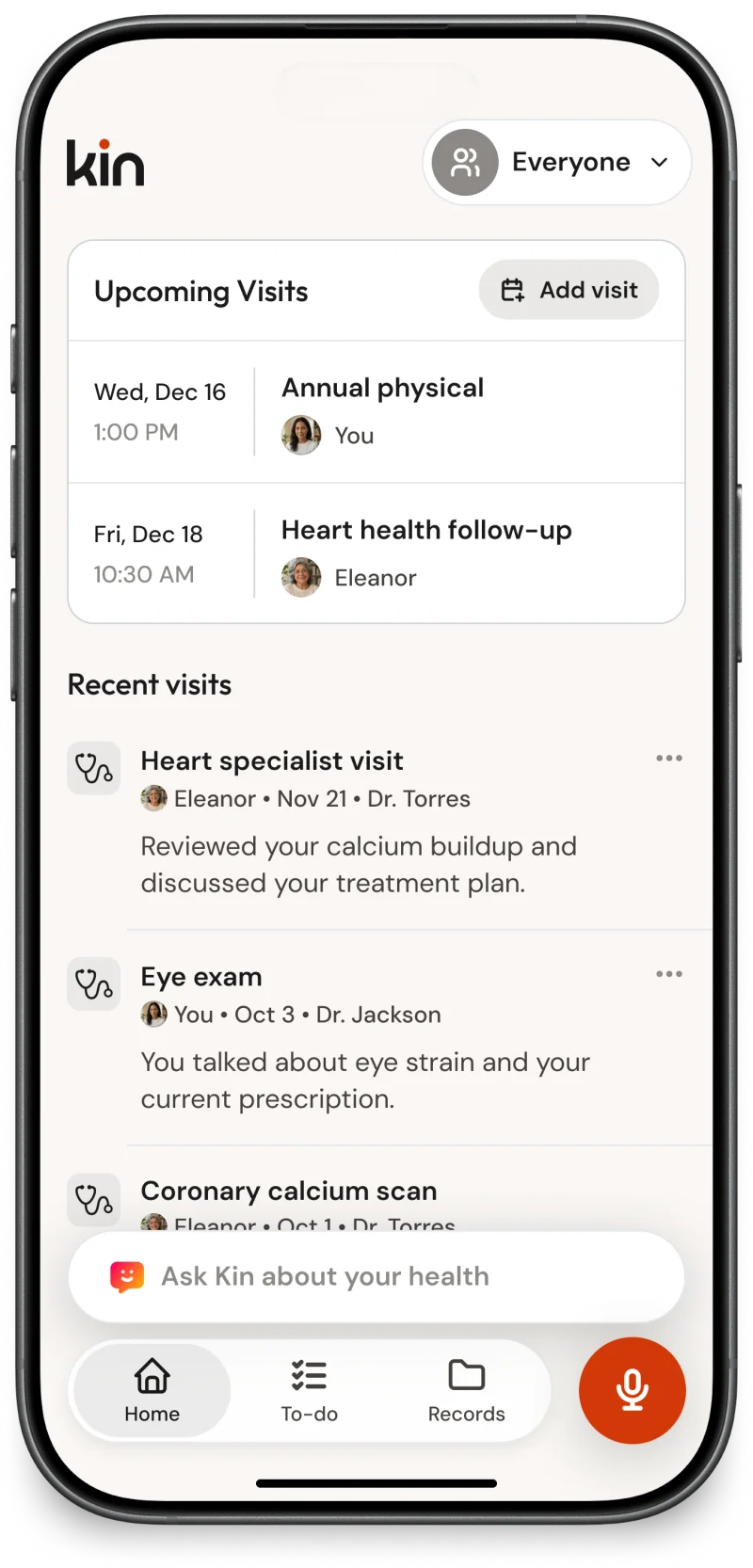
Visit summaries you can understand
Know what matters, then go deeper
Start with a clear overview of what was discussed and what the doctor recommended, with a complete, organized record when you need more detail.
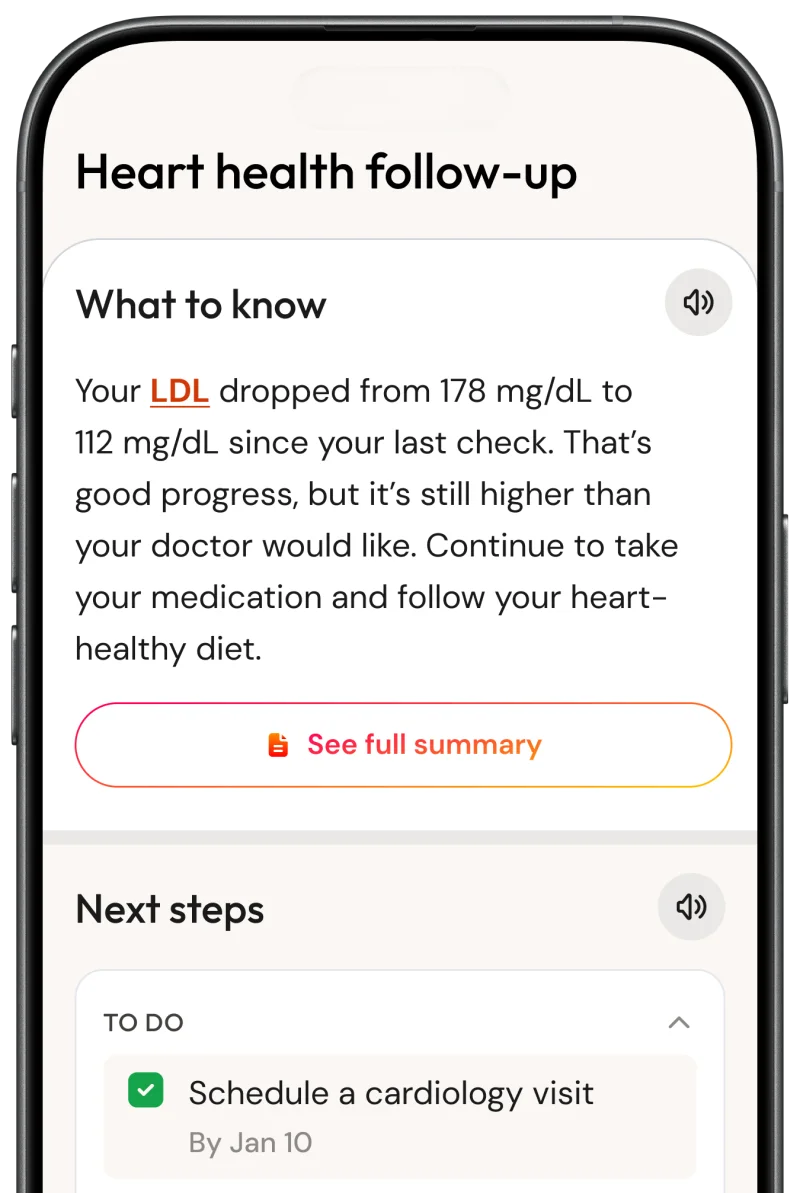
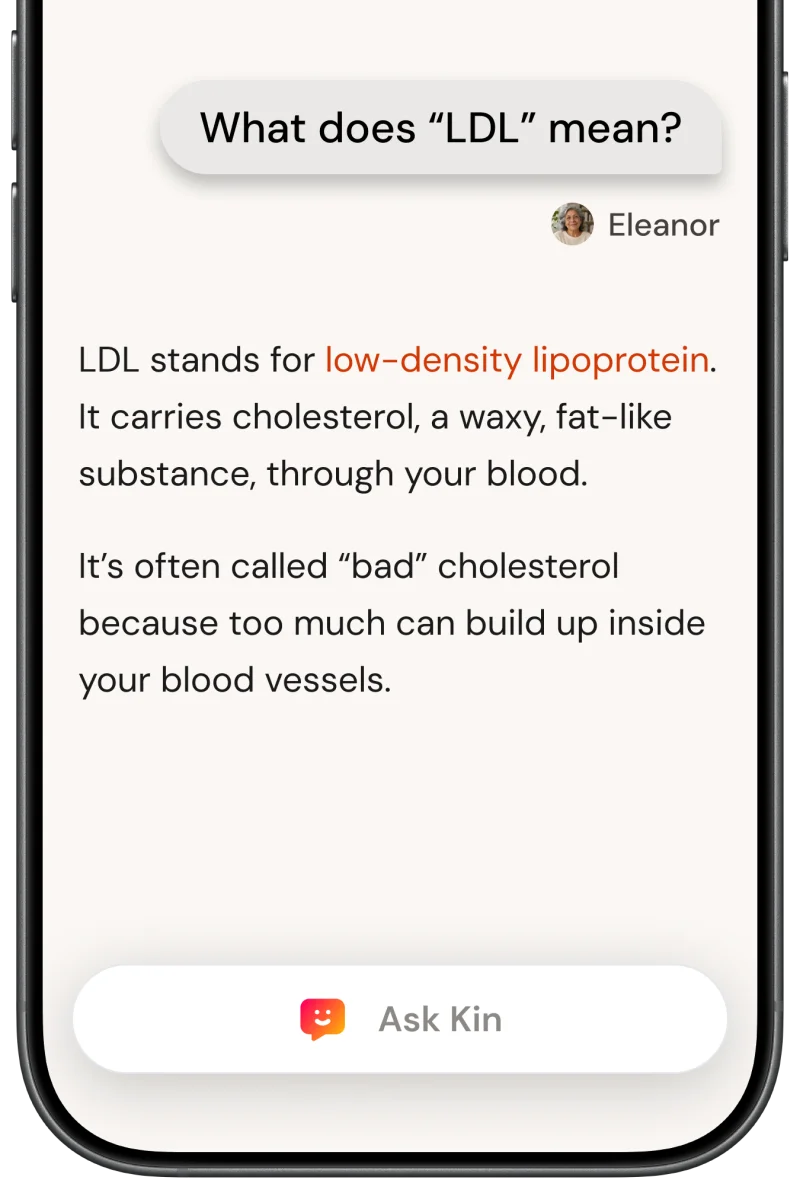
Understand the medical language
Everything is written in plain language, and you can tap unfamiliar medical terms for an explanation.

Chat with Kin, your health companion
Ask Kin about your health
Ask about a specific visit or your health over time. Kin connects information across every visit.

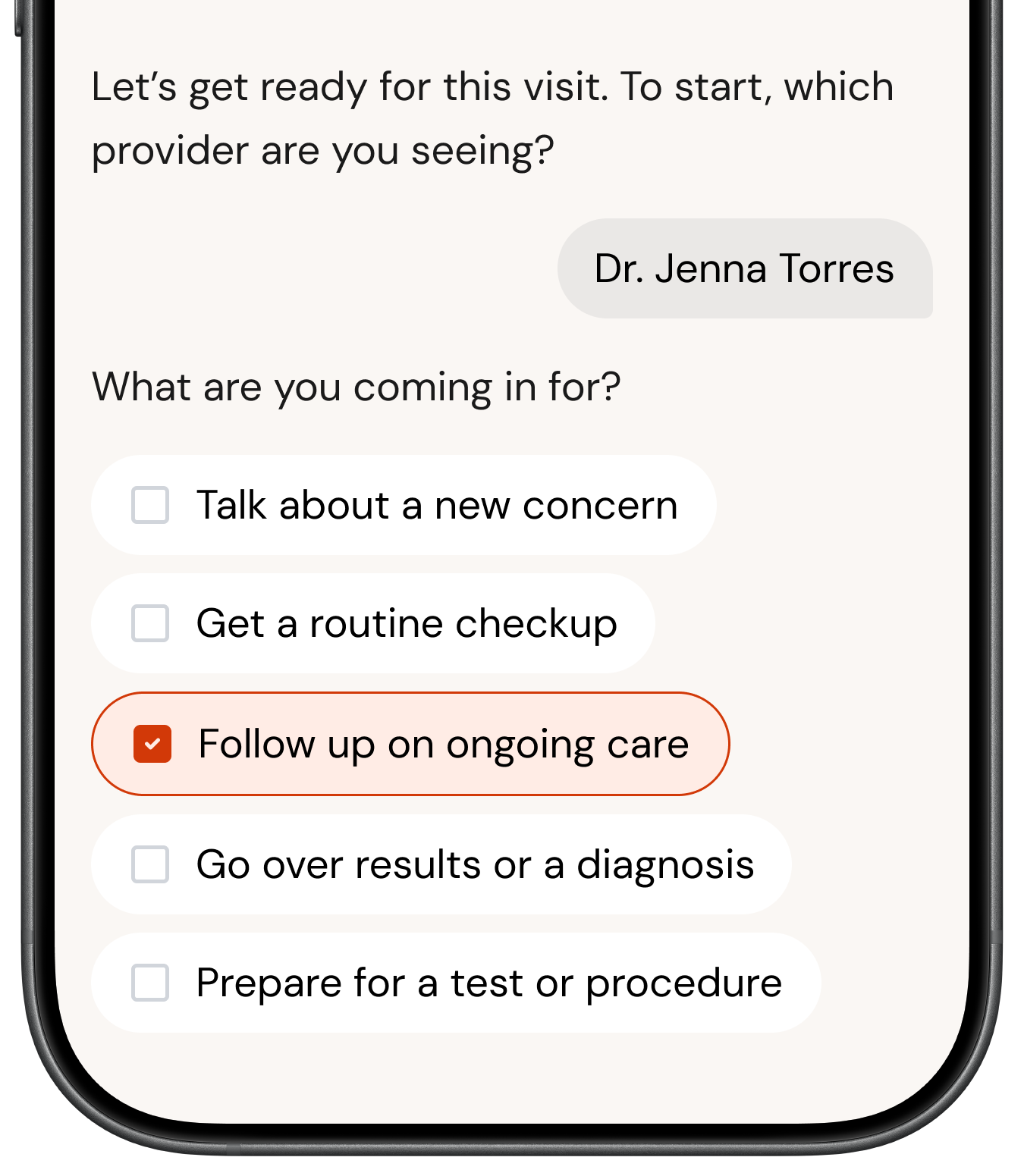
Prepare for your next visit
Kin suggests topics to bring up with your doctor.
Chat as a family
Add Kin to a family group chat so everyone can ask questions right from the Messages app.
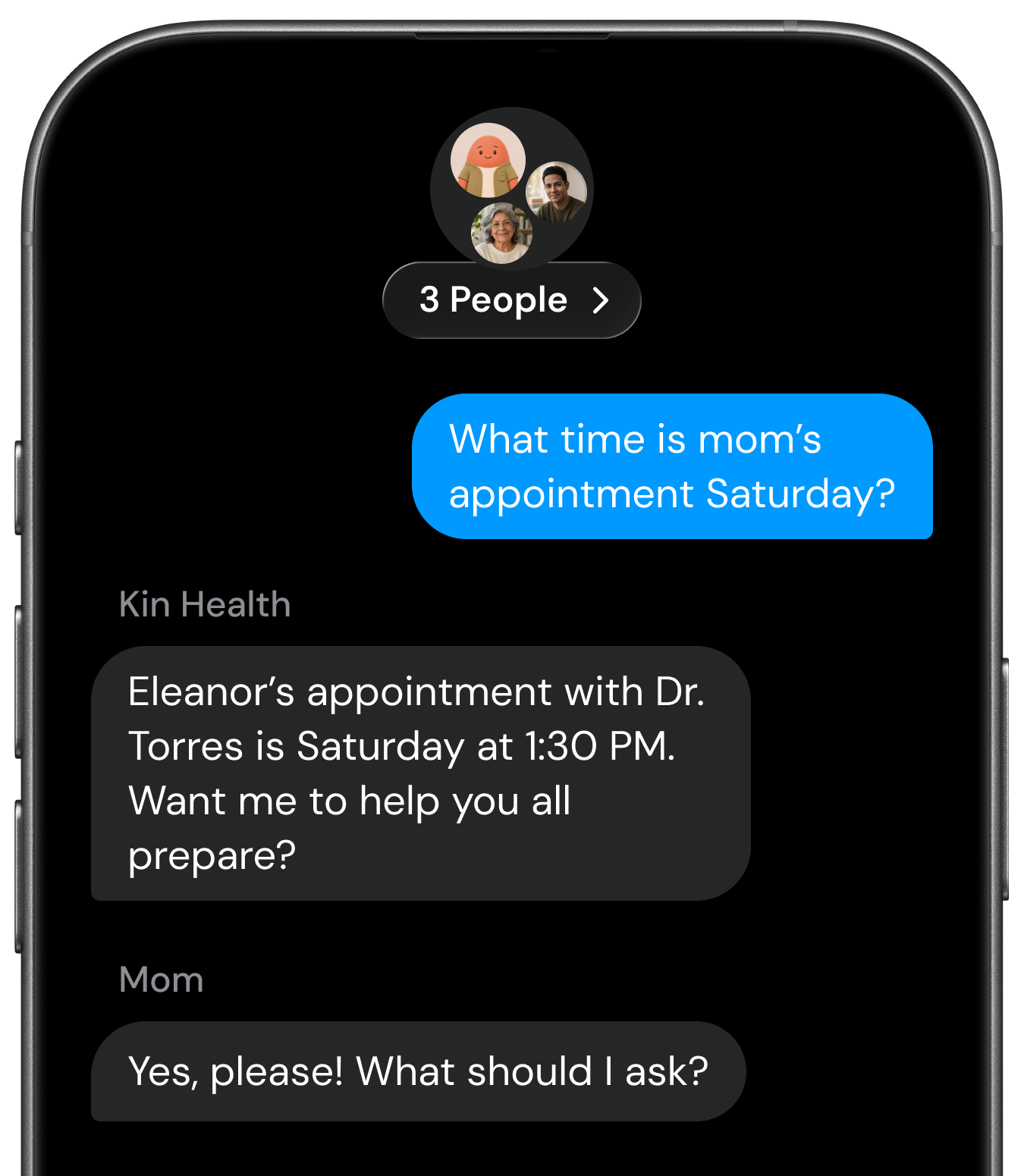
Text Kin at (628) 316-7060
To-dos that keep your care on track
Know exactly what to do next
Kin pulls follow-ups, refills, tests, and instructions from every visit into one clear list.
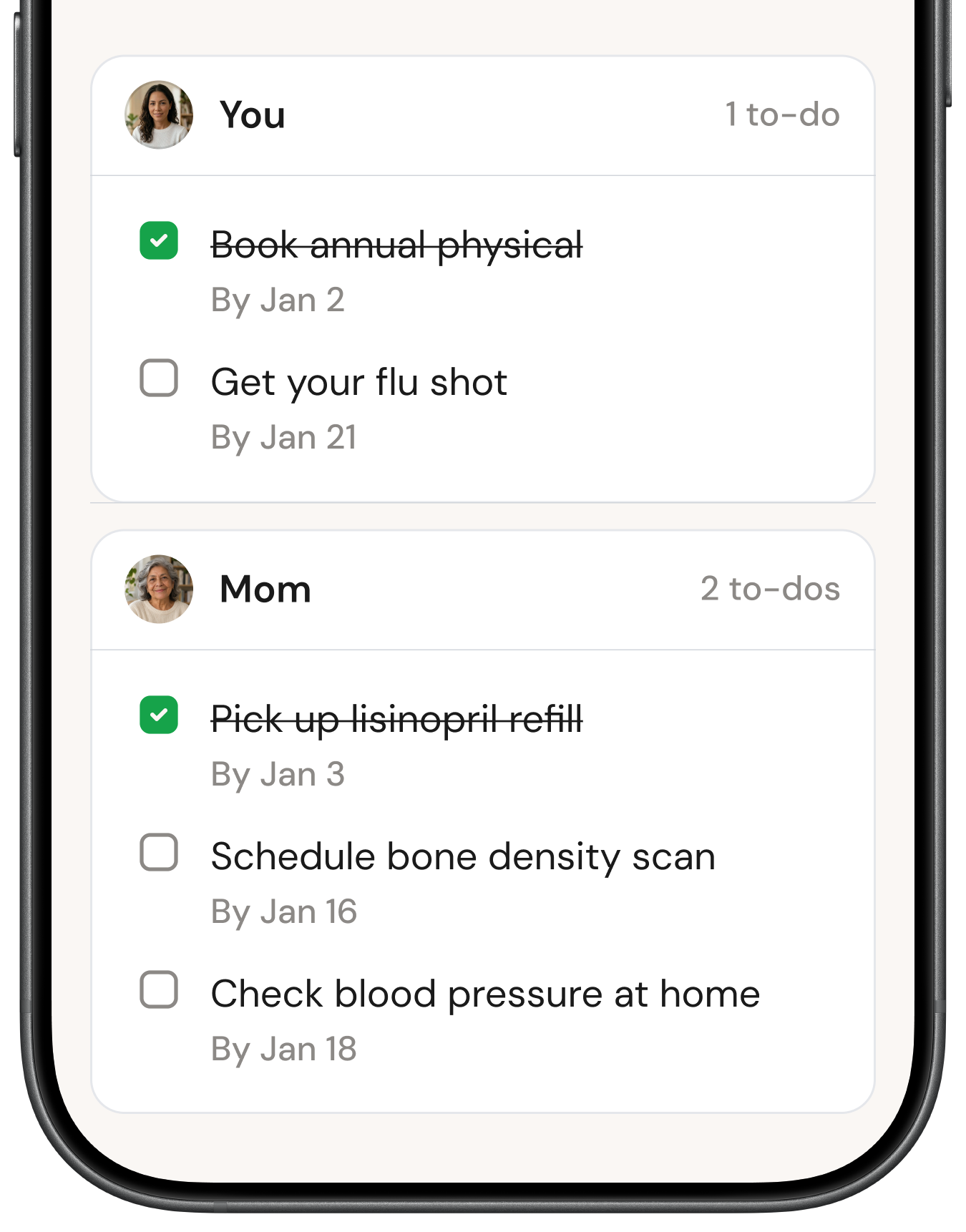
Coordinate care with a shared checklist
Everyone can see what’s done and what’s next, making it easier to divide up care.
Keep health records in one place
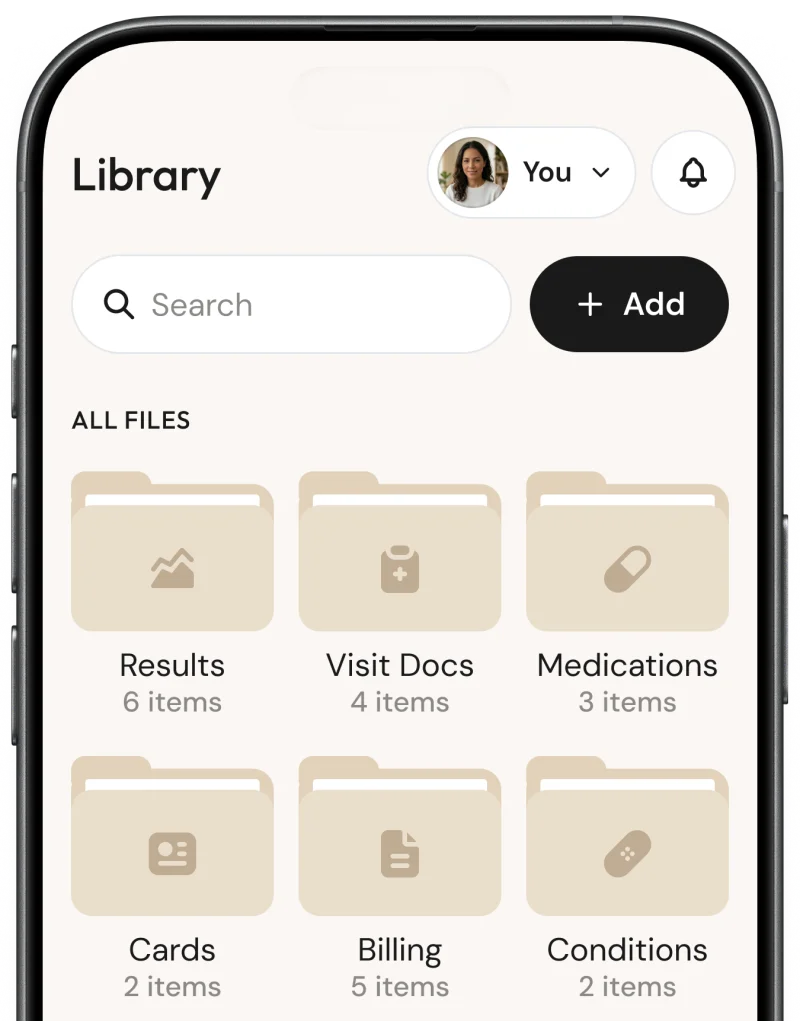
Find any record in seconds
Kin sorts everything into test results, medications, bills, insurance cards, and more. Search your library, or ask Kin to find it for you.
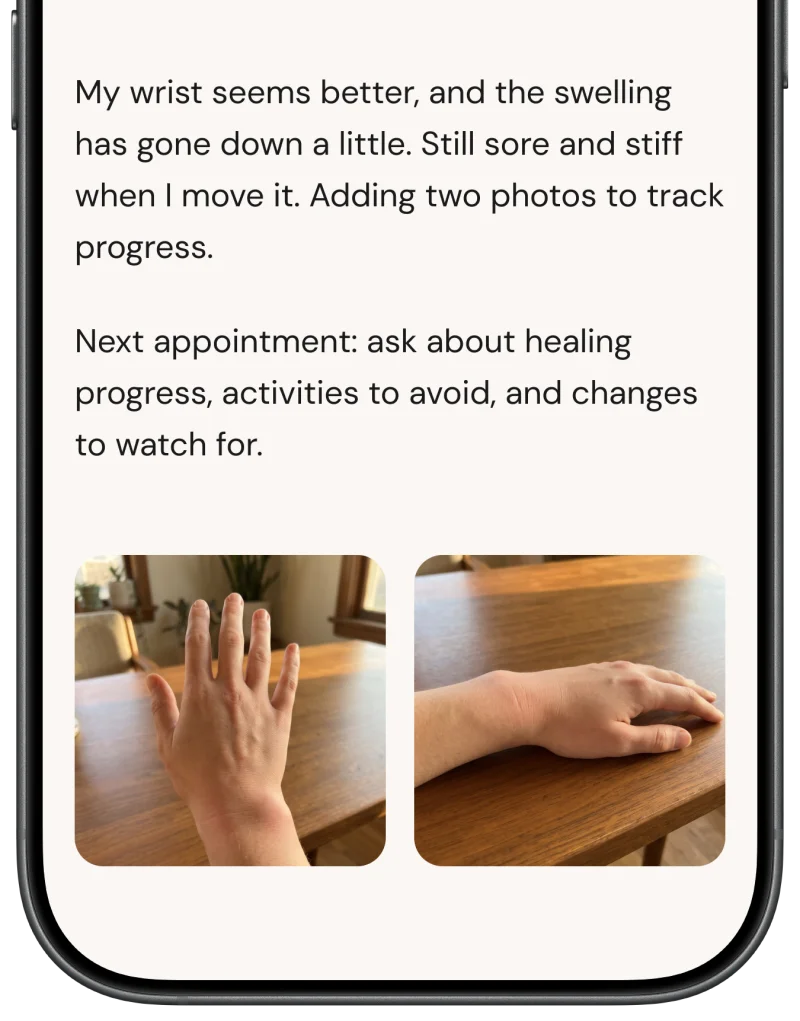
Quickly add a photo or note
Snap a photo, scan a document or insurance card, or jot down a quick note. Kin keeps it with the rest of your records.

